Several WhatsApp numbers don’t have to mean several headaches
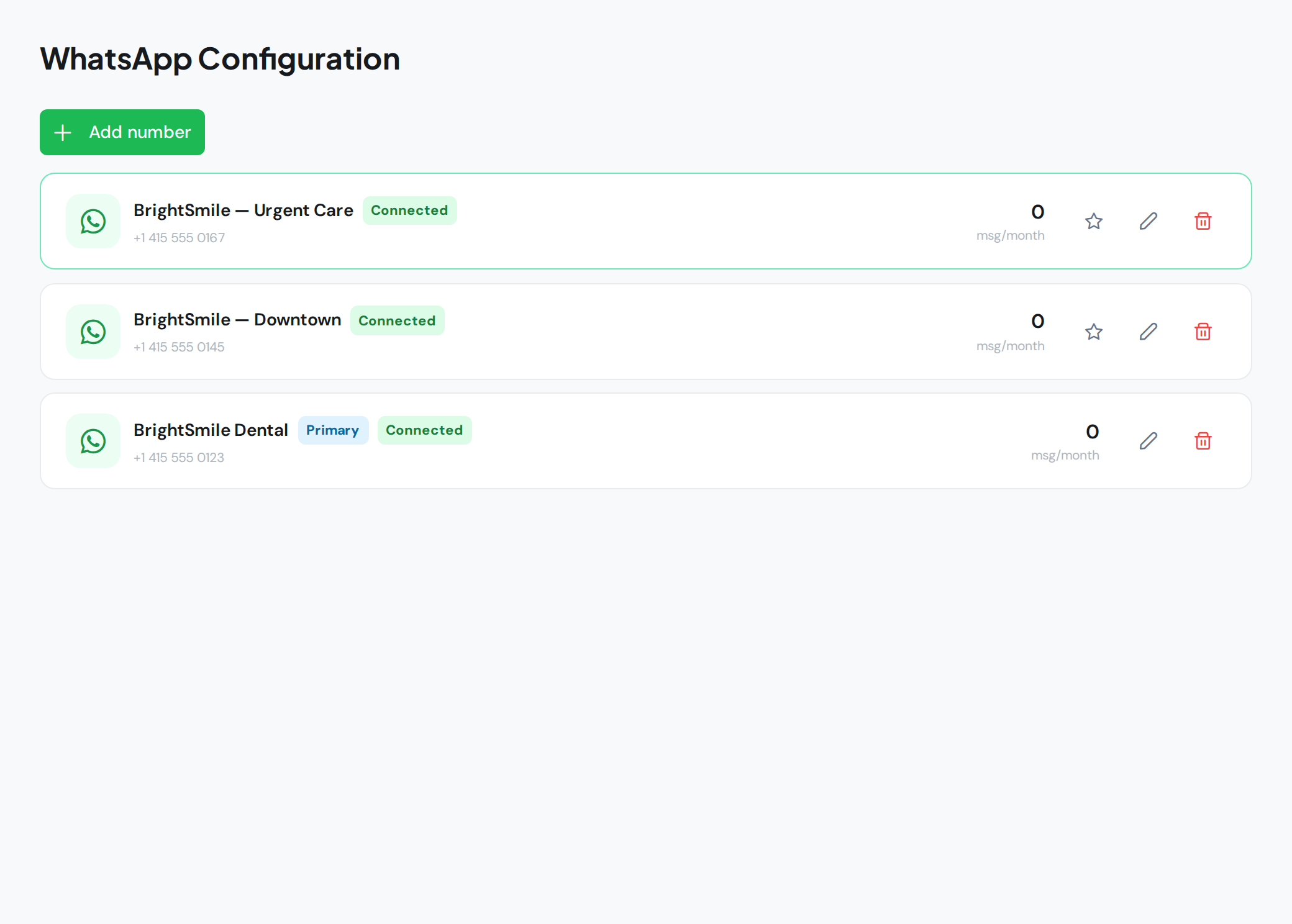
As your business grows, numbers multiply: one per location, one per rep, one for support. Each ends up on a different phone, with its own app and its own person checking it. Sales slip between devices and no one has the full picture. WAG brings all those numbers into one inbox, without giving any of them up.
The problem with scattered numbers
One WhatsApp per location feels tidy until you have five. Nobody knows which one went unanswered, phones get lost and, when a rep leaves, their customer list leaves with them. Centralizing in WAG’s inbox makes the numbers the business’s, not a device’s.
One inbox, every number
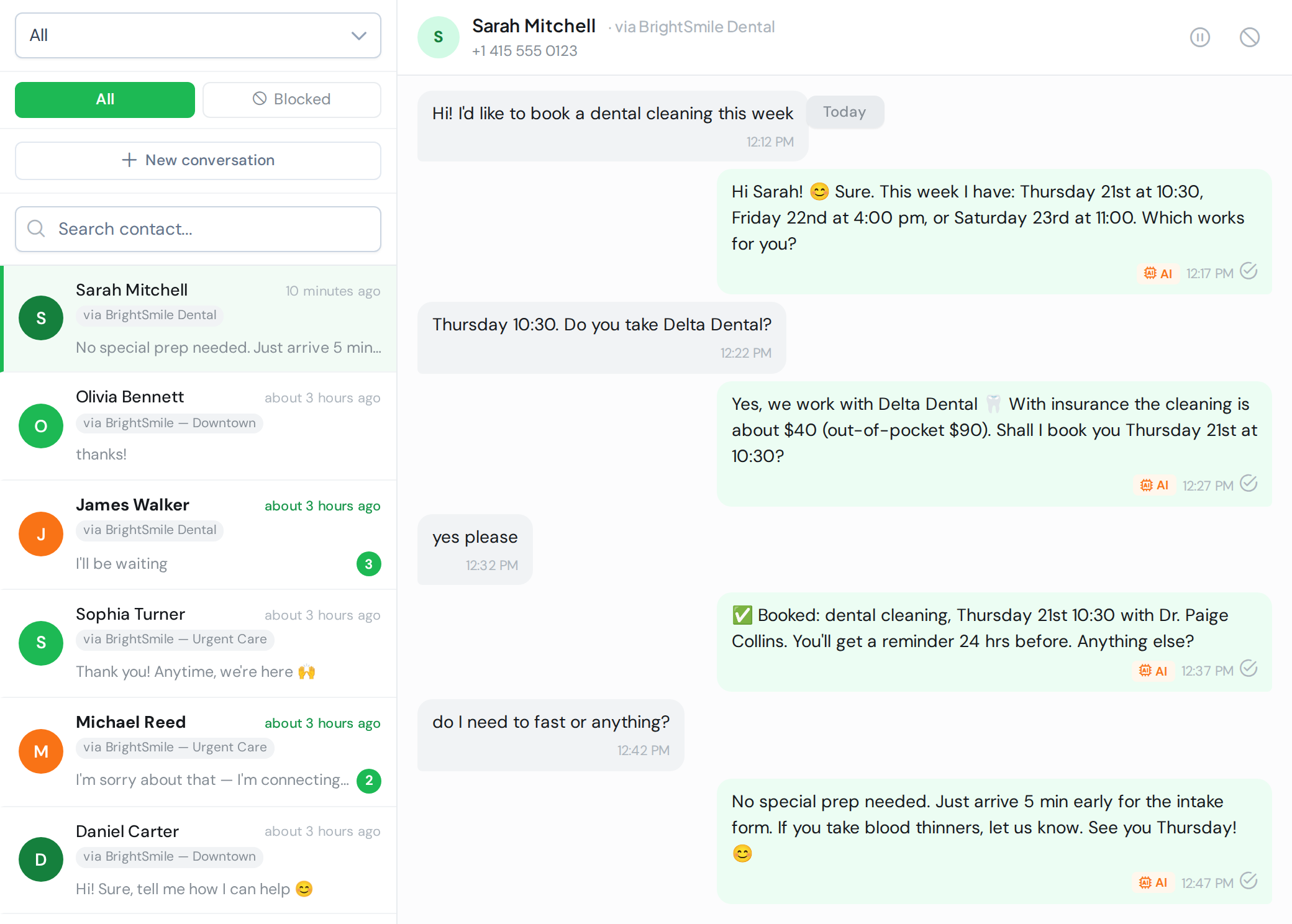
You connect each number to WAG and every conversation lands in the same place. Filter by number to focus on one location, or work with everything together. Each chat shows where it came in with a “via …” badge, so no one replies blind or confuses a customer from another branch.
Set up the AI per number
Not every number handles the same thing. The store’s answers stock and shipping; support’s answers warranties. So each number has its own AI setup: its tone, its knowledge base and its rules. One team, several “voices”, each an expert in its own area.
On Meta’s official API
Each number connects to Meta’s official WhatsApp Business API. We don’t use unsupported automations that put your numbers at risk: everything runs through official channels, with the stability and compliance that brings.